For OPDS catalogues

An OPDS reader for iPhone, iPad and Mac

Point Yomu at the OPDS catalogue your server already offers and read your comics and manga anywhere, in a reader made for them.

What you get

  • Any OPDS catalogue Enter the address of the catalogue feed. Sign in with a username and password if your server asks for one.
  • Start reading at once When your server can send a book page by page, Yomu opens it without downloading the whole file first.
  • Or keep it on your device Download books and read them without a connection.
  • Search your catalogue When your server offers search, Yomu searches it from the app.
  • Made for comics Right to left, left to right or top to bottom, single pages or two-page spreads.
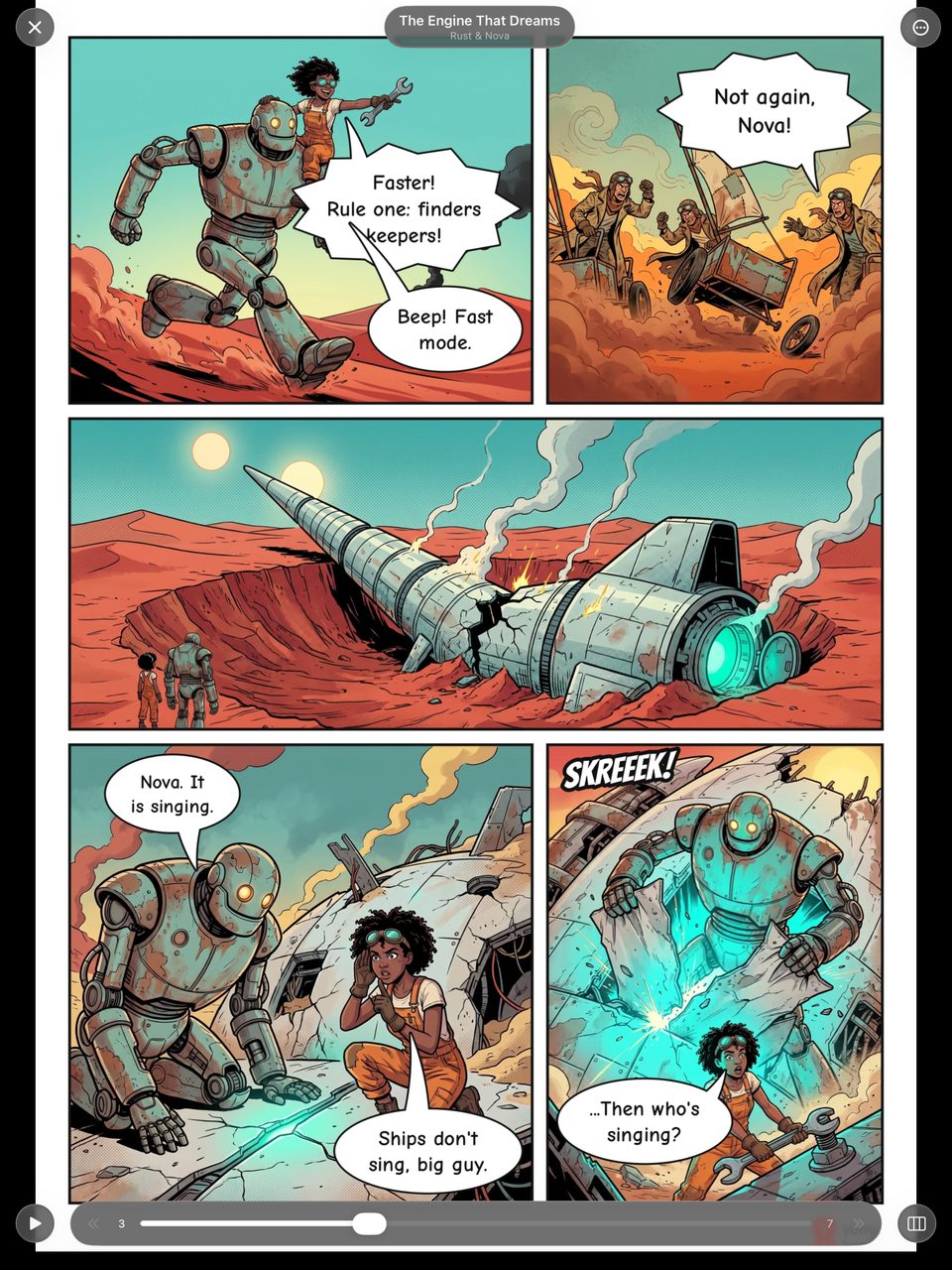
A comic page and reader controls in Yomu on iPad

Add your catalogue

  1. Get Yomu from the App Store on your iPhone, iPad or Mac.
  2. Open Browse, tap +, choose Add Server, then OPDS.
  3. Enter the address of your catalogue feed, and your sign-in if it has one.
  4. Tap Test Connection, then Save. The catalogue appears in Browse.

Yomu is free to download. Connecting a server is part of Yomu Premium.

FAQ

Frequently asked questions

Which servers work?

Any server that offers an OPDS catalogue. Yomu also connects to Komga and Kavita directly, which keeps your reading place in step with them.

Do I have to download a whole book to read it?

Not when your server can send pages one at a time. Yomu then loads pages as you read.

Can I read offline?

Yes. Download a book and it stays on your device.

Start reading.

Free to download. No account required.