For Komga

Your Komga library on iPhone, iPad and Mac

Yomu connects straight to your Komga server. Browse your series, read them in a reader made for manga, webtoons and comics, and pick up on any device where you left off.

What you get

  • Nothing to add to your server Enter your server address and sign in. Yomu talks to Komga as it is.
  • Your place stays in step What you read in Yomu shows as read in Komga, and what you read elsewhere shows in Yomu.
  • Read without a connection Download chapters and read them on the train or in the air.
  • A reader for every kind of page Right to left for manga, top to bottom for webtoons, left to right for comics, chosen per series.
  • More than one server Add each server you use. Each has its own place in Browse.
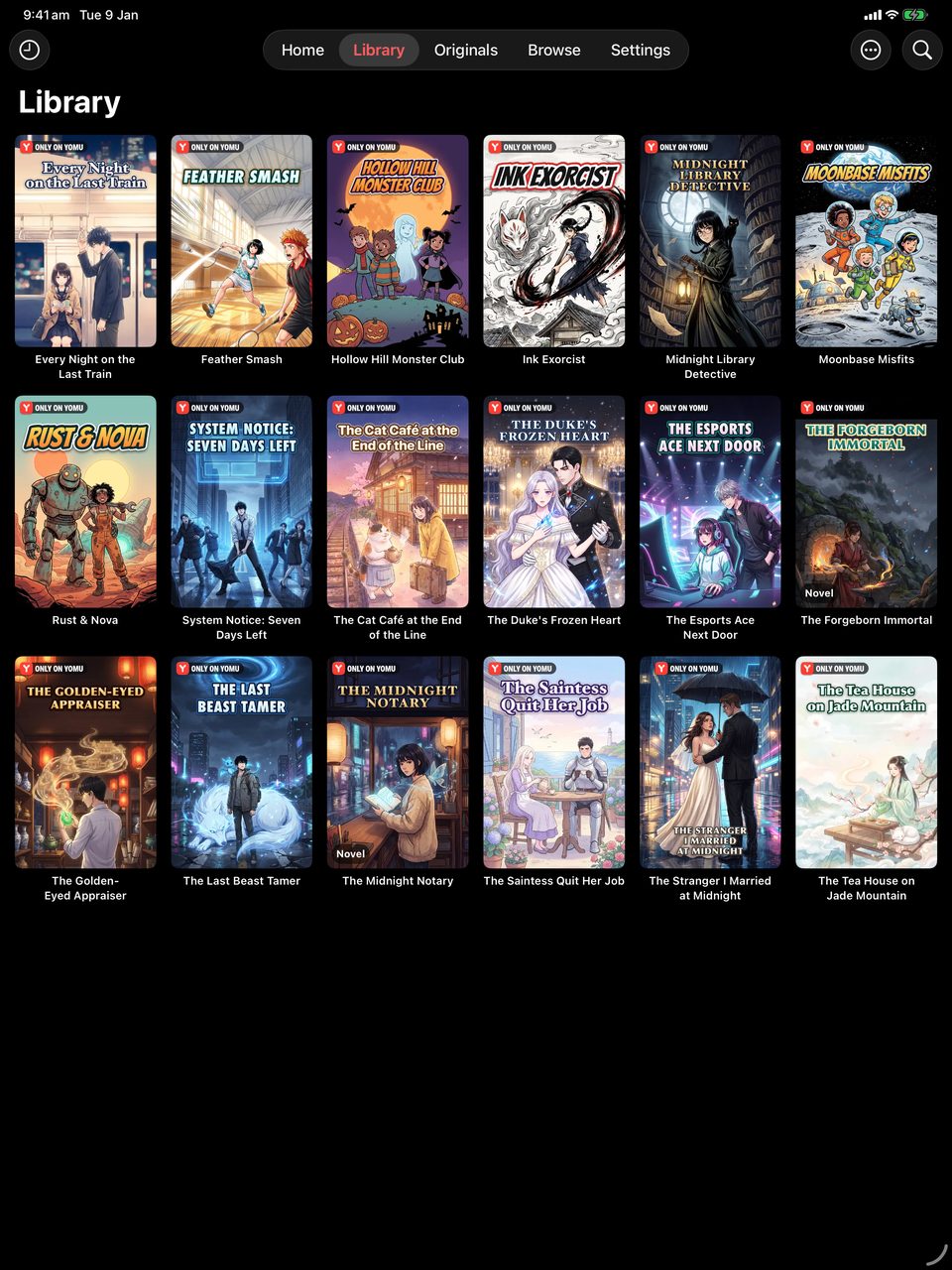
A manga library in Yomu on iPad

Connect in a minute

  1. Get Yomu from the App Store on your iPhone, iPad or Mac.
  2. Open Browse, tap +, choose Add Server, then Komga.
  3. Enter your server address and your Komga username and password. An API key from your Komga account works too.
  4. Tap Test Connection, then Save. Your libraries appear in Browse.

Yomu is free to download. Connecting a server is part of Yomu Premium.

FAQ

Frequently asked questions

Do I need a plugin or an extension for Komga?

No. Komga support is built into Yomu. You only need your server address and your sign-in.

Does my reading progress go back to Komga?

Yes. Your place and your finished chapters are kept in step with the server, both ways.

Can I read my Komga books offline?

Yes. Download the chapters you want and they stay on your device.

Does it work on a Mac?

Yes. Yomu is a Mac app as well as an iPhone and iPad app, with the same library on each.

Start reading.

Free to download. No account required.